Projects you're invited to
The Projects page lists every production project that a casting director has shared with your agency. You can see the current status of each project, the production type, and how many of your represented talents have been booked or confirmed.
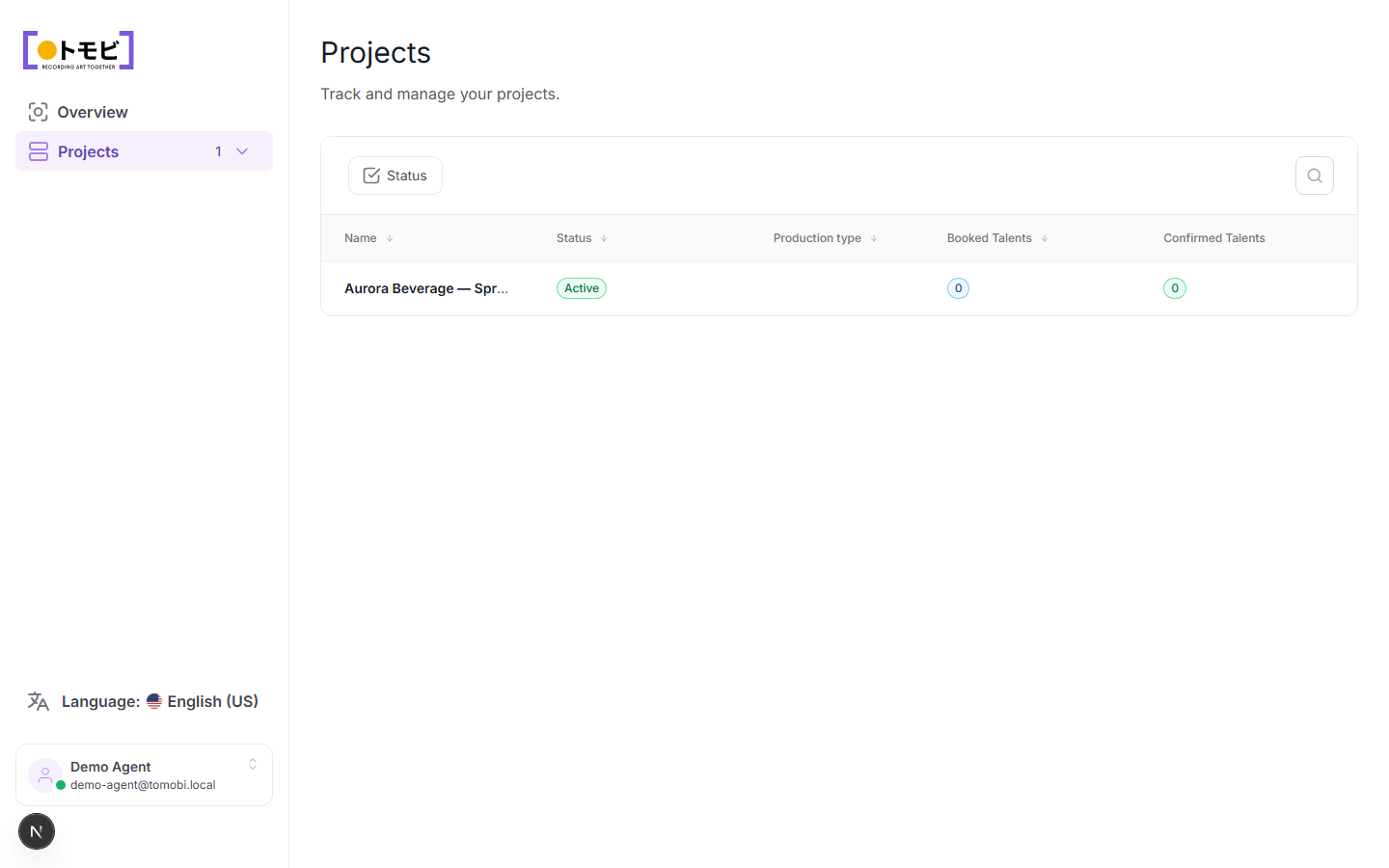
Read the projects table
Each row in the table represents one project. The columns tell you:
| Column | What it shows |
|---|---|
| Name | The project name. Click it to open the project and view your talents' details. |
| Status | Whether the project is active, in production, finished, or cancelled. |
| Production type | The type of production (commercial, film, print, etc.). |
| Booked Talents | The number of your represented talents who have a confirmed booking on this project. |
| Confirmed Talents | The number of your talents whose participation has been fully confirmed by the casting director. |
Filter and search
Use the Status filter button at the top of the list to narrow projects by their current state. The search icon at the top right lets you search by project name.
Open a project
Click any project row to open it. Inside you'll see the individual talents from your agency who are attached to the project, their current stage in the casting process, any pending requests, and their shooting schedule once a call sheet has been issued.
You can view projects but not create them. Only casting directors create and manage projects. Your agency's involvement begins when a casting director attaches one of your talents to a project and sends a request.