Settings
The Settings page is where you manage your company profile and the users who have access to your Tomobi account. Open it by selecting Settings at the bottom of the left sidebar.
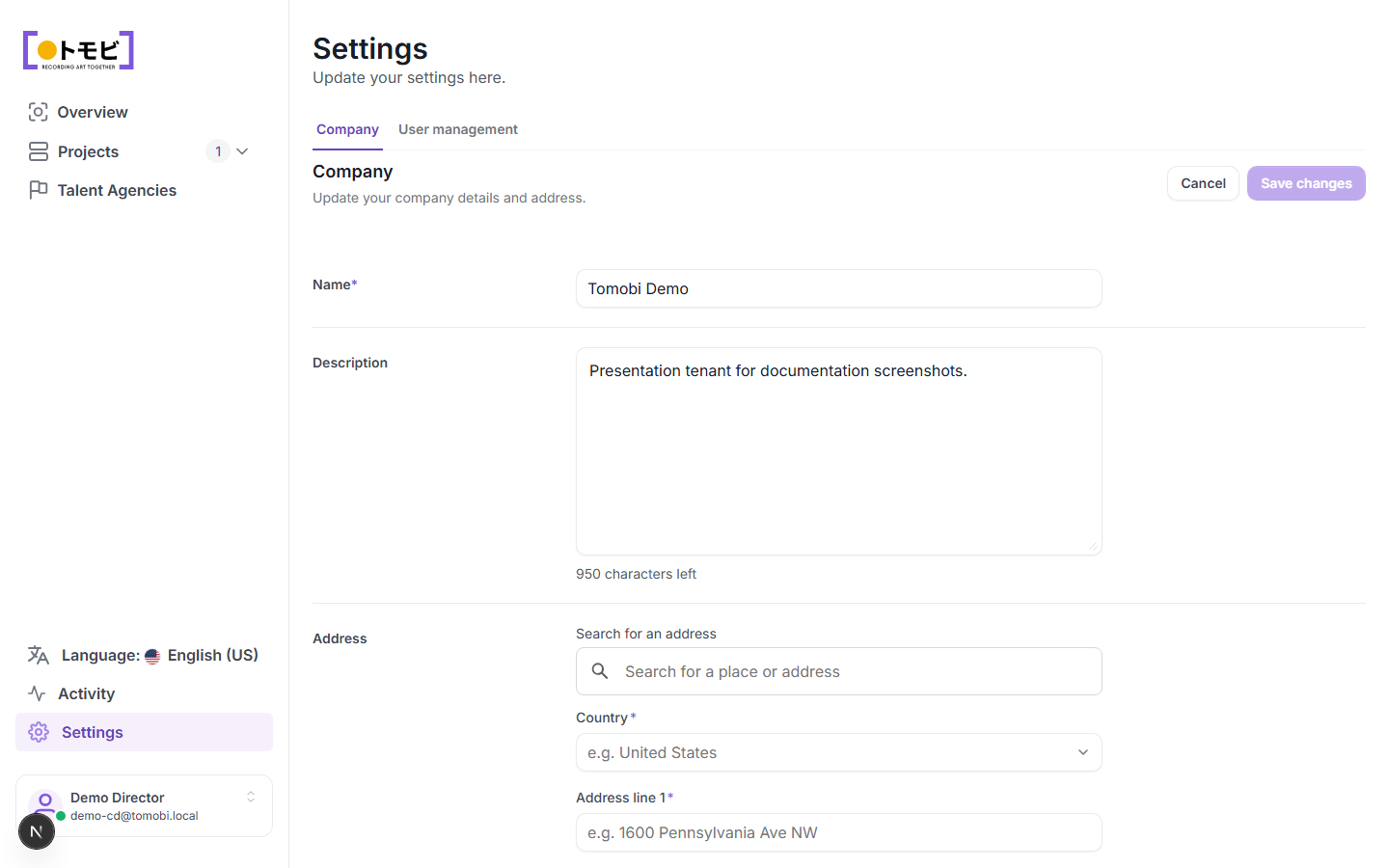
Company tab
The Company tab lets you update the information that represents your production company in Tomobi.
- Name (required) — your company or studio name as it will appear across the product.
- Description — an optional summary of your company (up to 1,000 characters).
- Address — the company's physical address. Use the search field to look up an address and auto-fill the fields, or enter country, address lines, postal code, and city manually.
Select Save changes to apply your edits, or Cancel to discard them.
User management tab
The User management tab lets you invite team members and manage who can access your account. Use it to add new casting directors or update the access level of existing users.
Your account
Your name and email address are shown at the bottom of the left sidebar. The currently logged-in user also appears in the top-right corner when viewing proposals in preview mode.