Talent agencies
The Talent Agencies page is your directory of agencies whose talents appear in your projects. An agency record holds the agency's name and its contacts — the individual agents you communicate with. When a talent is represented by an agency, all requests and casting calls for that talent are routed through the agency's contact.
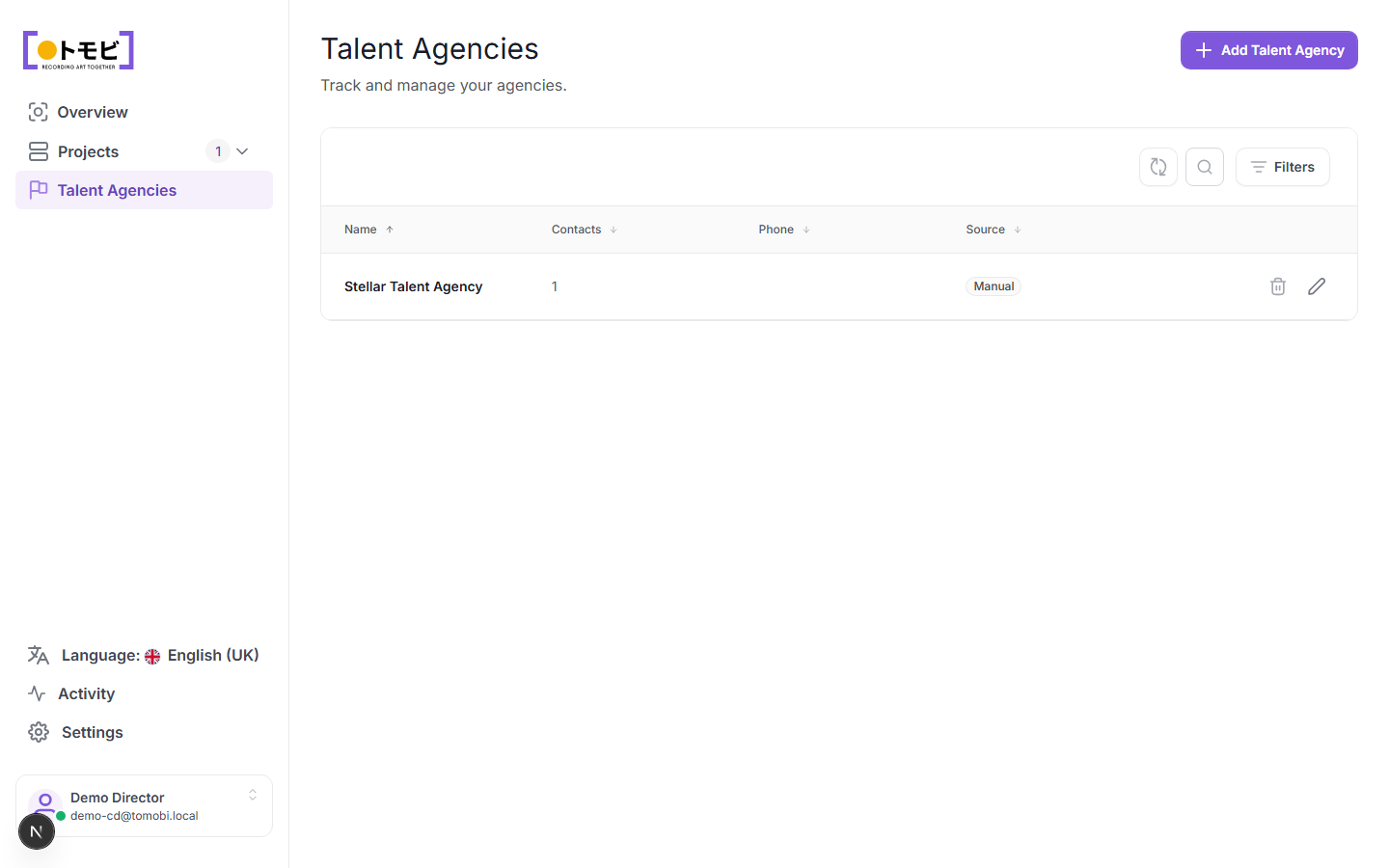
Add an agency
- Select Talent Agencies from the left sidebar.
- Click + Add Talent Agency in the top-right corner.
- Enter the agency name and any contact details.
- Save. The agency appears in the list with a Manual source label, indicating it was entered by hand (as opposed to being created automatically from an inbound application).
Inside an agency record
Click an agency name (or the pencil icon on its row) to open its detail view. The detail page has four tabs:
- General — the agency's name and address. Edit and save changes here.
- Contacts — the individual agents at the agency. Add, edit, or remove contacts from this tab.
- Activity Feed — a log of actions taken on this agency record.
- Comments — internal notes visible only to your team.
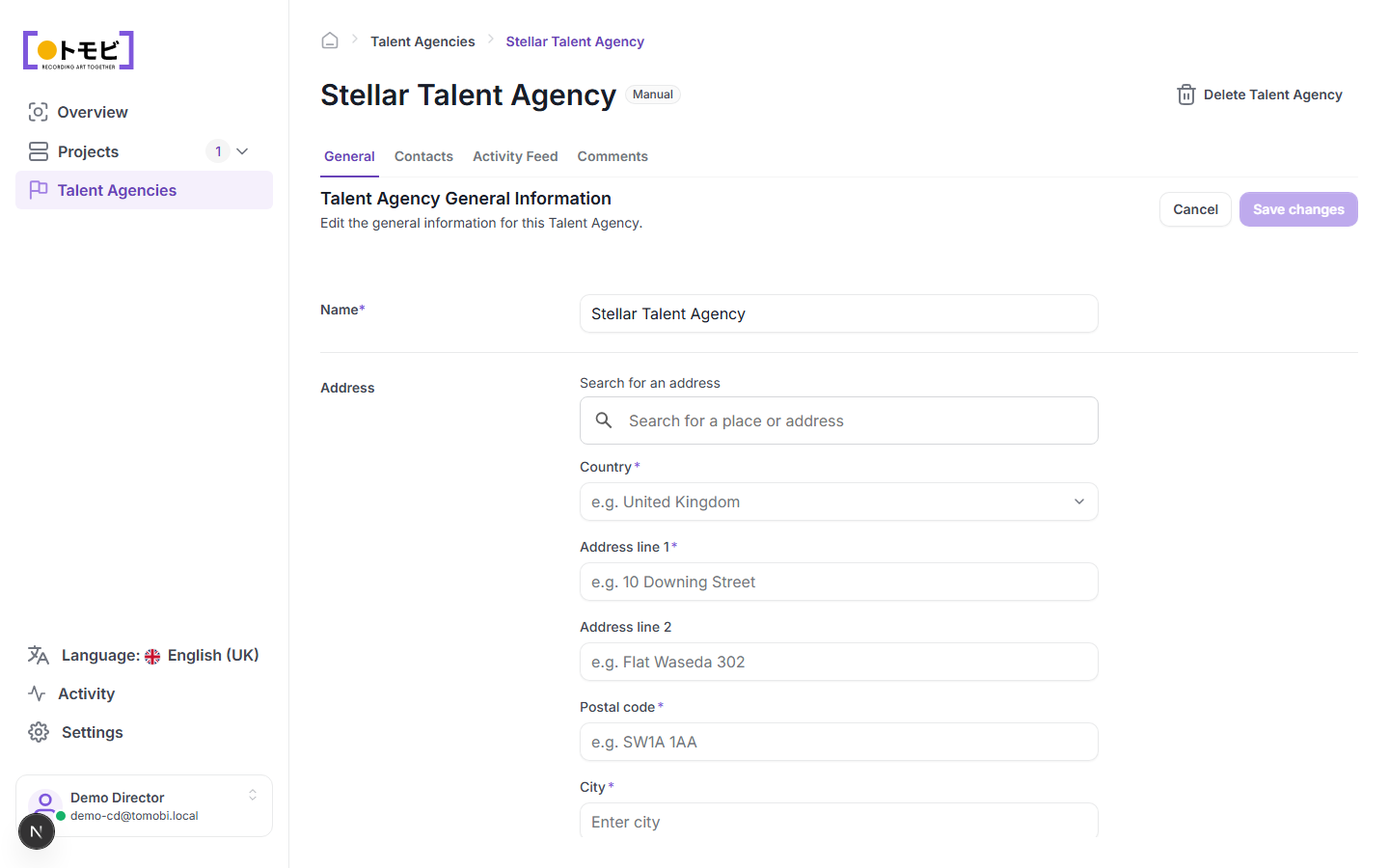
Use the Delete Talent Agency button in the top-right to remove the record. Only delete an agency if none of your talents are currently linked to it.
Agency contacts
Each agency has one or more contacts. Contacts are the people at the agency who receive your requests and casting calls. Open the agency record and go to the Contacts tab to add or edit contacts.
The Source column
The Source column shows how the agency was added:
- Manual — you or a team member created the record directly in Tomobi.
- Other sources may appear if agencies are linked automatically through the application flow.
Connect an agency to talents
Talents are linked to an agency when their profile is created or edited. In a talent's profile, the agency name appears beneath their name. When you send a request to a talent who is represented, the request goes to that talent's designated agency contact — not directly to the talent.
Remove an agency
Click the delete icon (bin) on an agency row to remove it. Only remove an agency if none of your talents are currently linked to it, as removing an agency with active links may affect pending requests.