Roles and casting calls
The Roles tab inside a project is where you define the parts you need to fill and open them to applications. Each role tracks its own casting status independently, so a project can have some roles still in draft while others are actively casting.
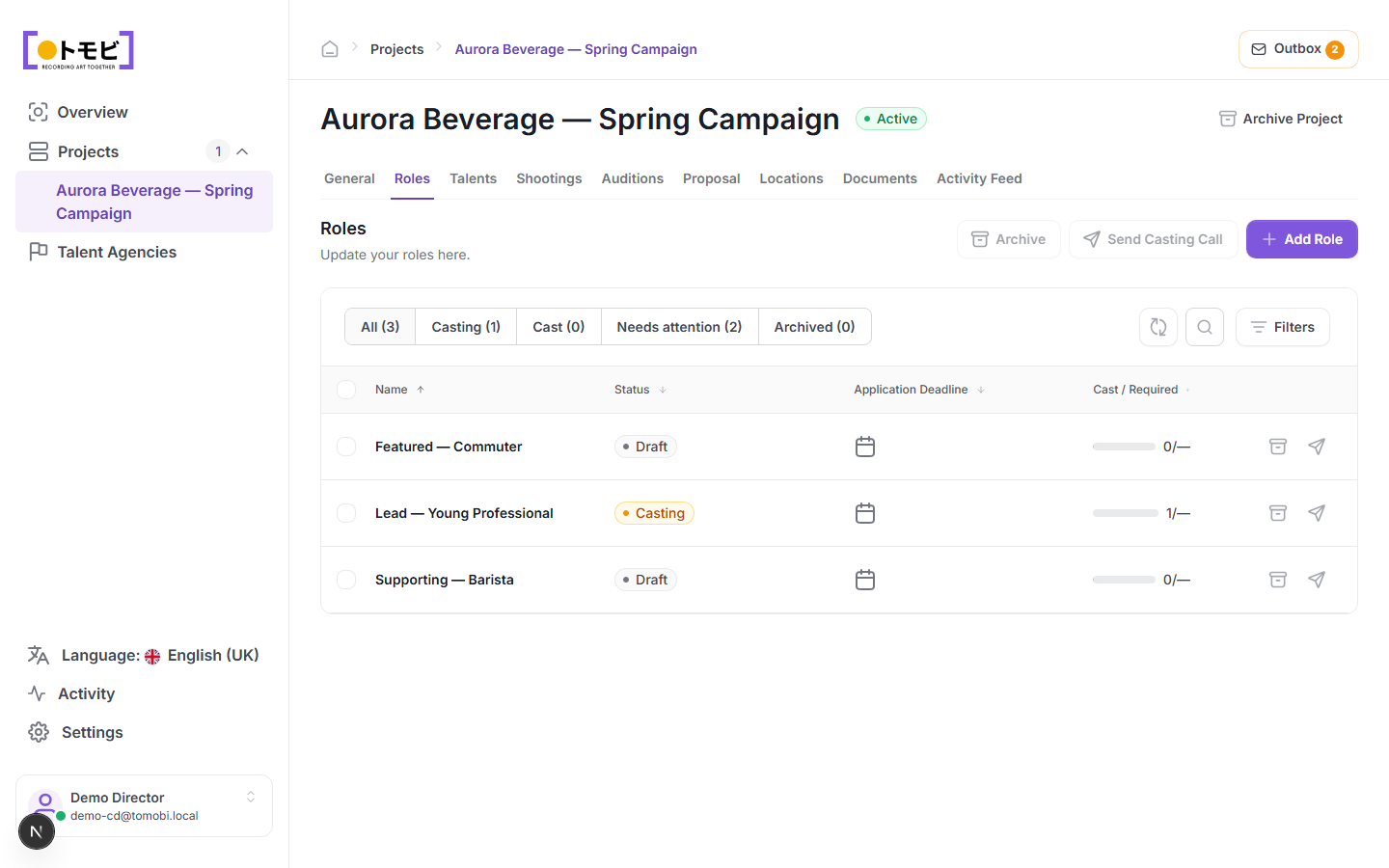
Add a role
- Open your project and click the Roles tab.
- Select + Add Role in the top-right area.
- Fill in the role details: name, type (lead, featured, supporting, etc.), criteria such as age range, gender, and any other attributes you need.
- Save the role. It appears in the list with a Draft status.
Understand role statuses
| Status | Meaning |
|---|---|
| Draft | Role is set up but no casting call has been sent yet. |
| Casting | A casting call has been sent and the role is accepting applications. |
| Cast | The role has been filled. |
| Needs attention | Something requires your action — for example, the application deadline has passed but no one has been cast. |
| Archived | Role is no longer active. |
The filter tabs above the table — All, Casting, Cast, Needs attention, Archived — let you focus on one status group at a time.
Send a casting call
A casting call is the email invitation that goes to agencies or directly to talents, giving them a link to apply.
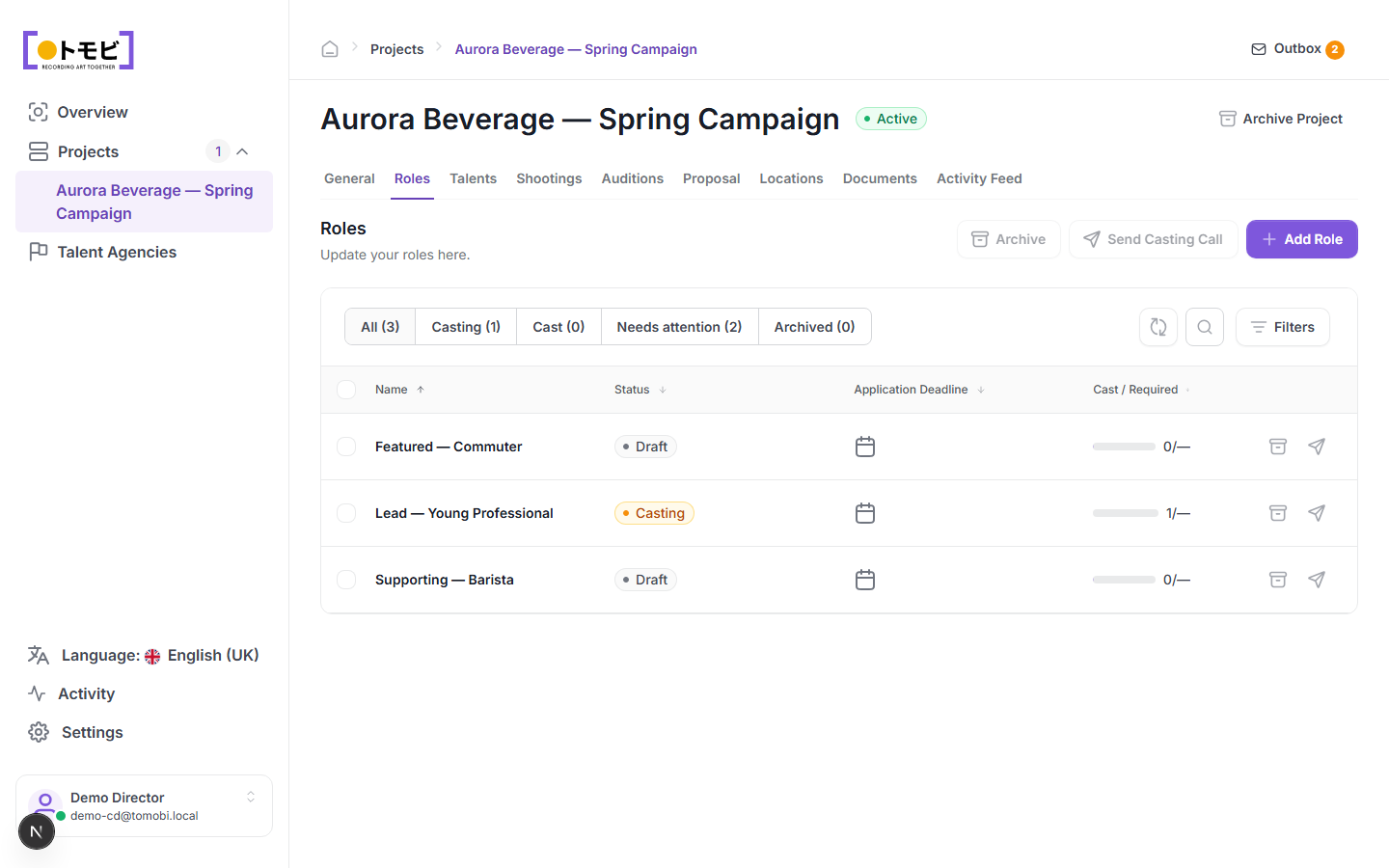
- Select one or more roles using the checkboxes on the left, or leave all roles unselected to include all eligible ones.
- Click Send Casting Call in the toolbar above the table.
- Review the recipients and message in the dialogue that appears, then confirm.
The casting call is placed in your Outbox as a draft. Open the Outbox (the envelope icon in the top-right corner, which shows a count badge when drafts are waiting) to review and send it. See Sending requests and the outbox for details on the outbox workflow.
Once sent, the role status changes to Casting and the Cast / Required column begins tracking how many talents have been confirmed against the role's target.
Edit or archive a role
Click the edit icon (pencil) on a role row to change its details. To remove a role from active view without deleting it, select the role and click Archive.