Requests भेजना और outbox
Request आपकी तरफ से किसी agency या talent को भेजा गया formal message है — उदाहरण के लिए, audition invitation, hold notification, या booking confirmation। Tomobi में requests कभी सीधे नहीं भेजी जाती हैं। वे पहले Outbox में draft और queue होती हैं, जहाँ आप उन्हें जाने से पहले review कर सकते हैं।
Request बनाएं
Requests talent की profile से बनाई जाती हैं।
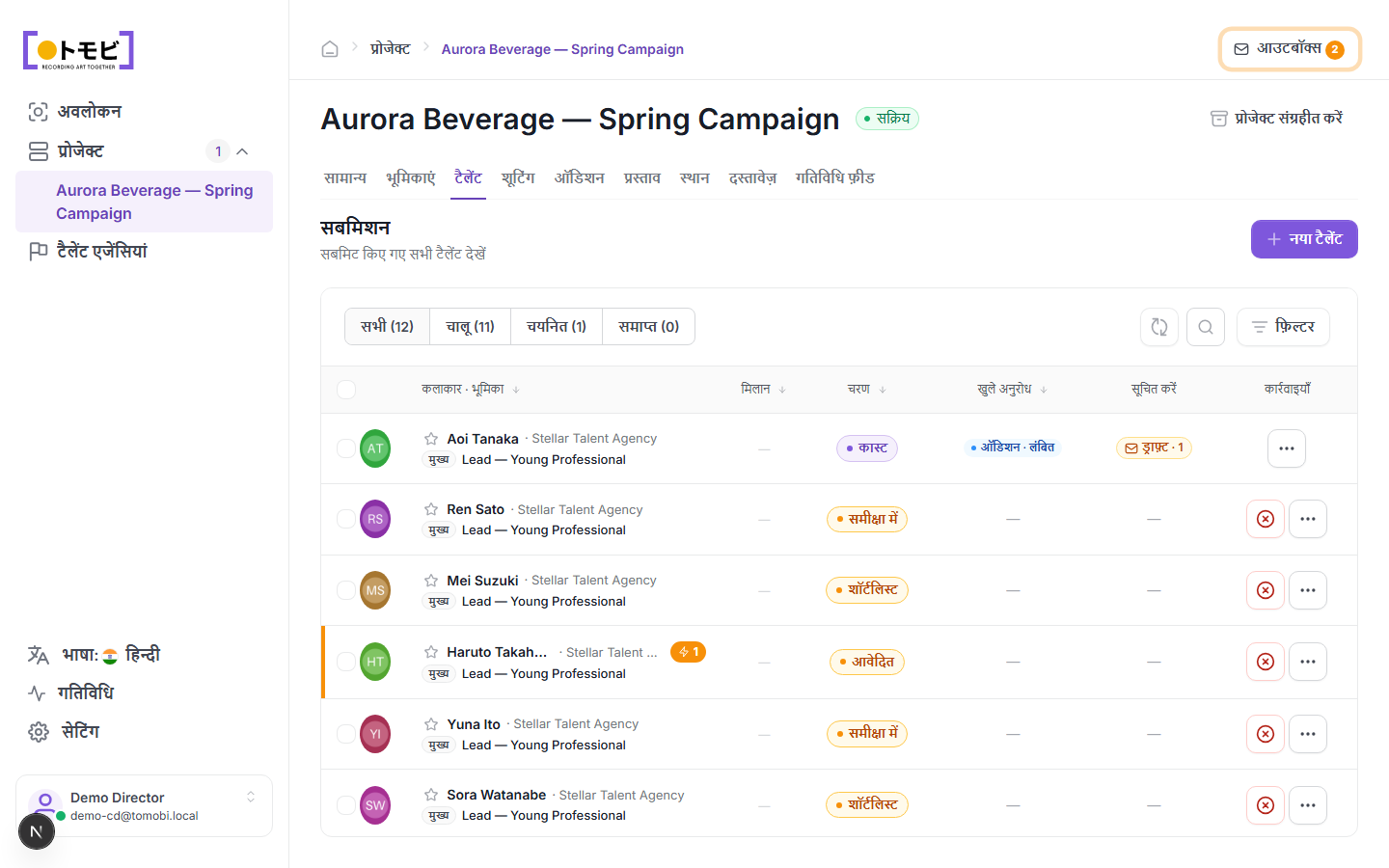
- Talents board खोलें और talent की profile खोलने के लिए उनका नाम click करें।
- Profile के शीर्ष पर Create Request चुनें।
- Request type choose करें (उदाहरण के लिए, Audition, Hold, या Booking confirmation)।
- Details भरें — कौन सा slot, क्या date, कोई notes — और save करें।
Request Outbox में Draft के रूप में जाती है। आपको Notify column के अंतर्गत talent की row में "Draft - 1" badge दिखेगा, और project के ऊपर-दाईं तरफ Outbox counter बढ़ जाता है।
Outbox से review करके भेजें
Outbox पूरे project के सभी draft messages collect करता है। इसे खोलें और हर draft को भेजे जाने से पहले review करें।
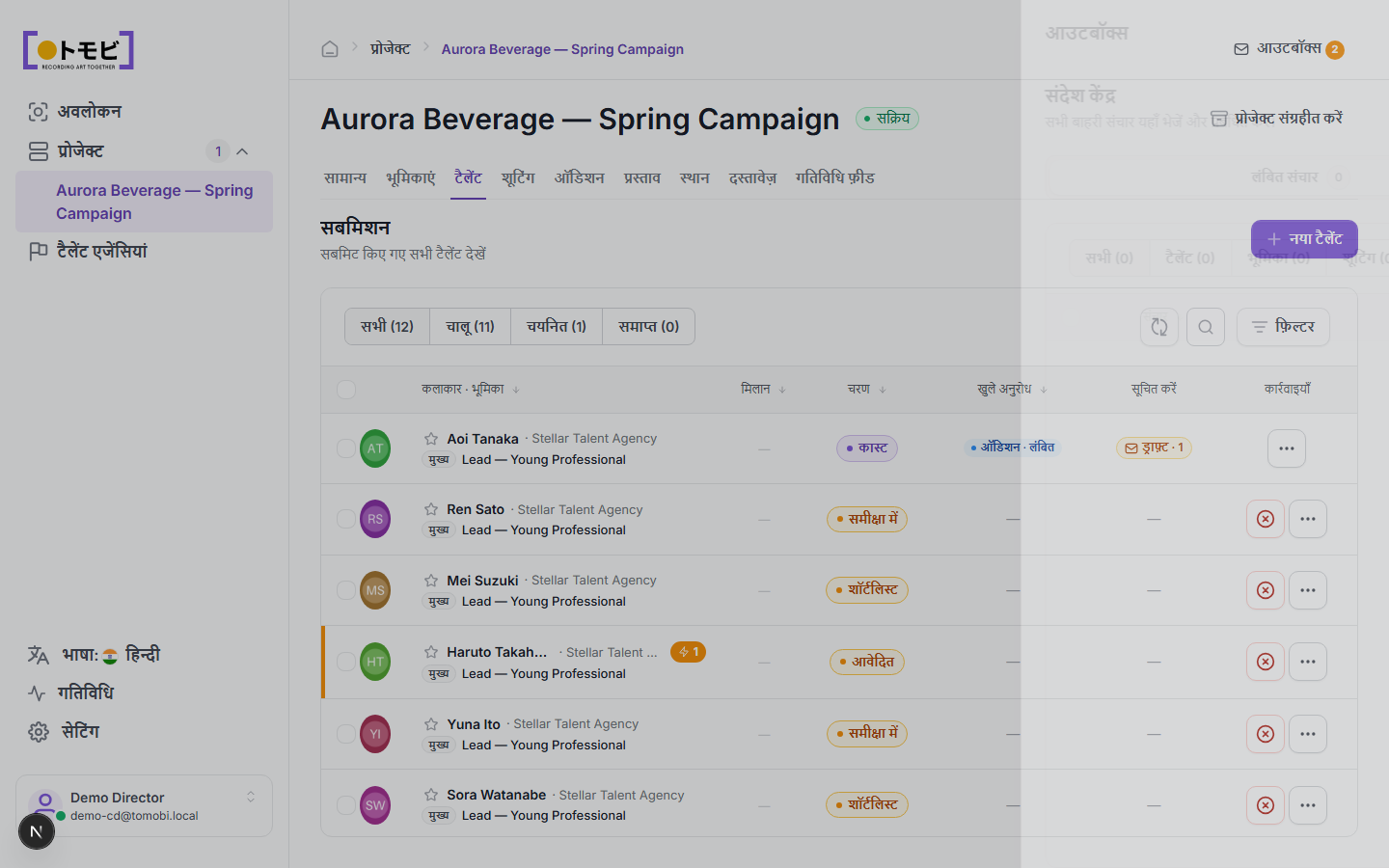
- किसी भी project page के ऊपर-दाईं तरफ Outbox button click करें (number badge वाला envelope icon)।
- Outbox panel agency या talent के अनुसार grouped सभी pending drafts list करता है।
- हर draft review करें। अगर कुछ बदलना हो तो draft edit या delete कर सकते हैं।
- तैयार होने पर, message agency या talent को dispatch करने के लिए Send चुनें।
एक बार भेजने के बाद, request status Draft से Pending (response का इंतज़ार) या relevant confirmed state में बदल जाता है। Agency अपने portal में request देखेगी और respond कर सकती है — उदाहरण के लिए, अपने talent के लिए slot self-book करके।
Open requests track करें
Talents board पर Open requests column दिखाता है कि हर talent के लिए कितने active (unanswered) requests हैं। ऊपर के उदाहरण में, Aoi Tanaka का एक pending audition request है। Agency के respond करने के बाद, count कम हो जाता है और stage automatically update हो सकता है।
Pending request nudge करें
अगर कोई request बहुत लंबे समय से unanswered पड़ी है, तो talent की profile खोलें, Requests section में request ढूंढें, और agency को reminder भेजने के लिए Nudge चुनें।